 Busirank Team
Introduction
A phone number is more than just a way for customers to reach you. In the world of local search, it is a critical ranking signal and a cornerstone of your business identity online. When a business changes its phone number—whether due to a switch to VoIP, a move to a new office, or a rebranding effort—the ripple effects can be significant.
If not managed correctly, an outdated phone number on your Google Business Profile (GBP) can lead to missed calls, frustrated customers, and a measurable drop in local search visibility. Google uses your phone number, along with your name and address, to verify your business’s legitimacy and location. A mismatch between your GBP and the rest of the web creates confusion for both algorithms and potential customers.
This guide will walk you through the exact steps to update your phone number on Google, maintain NAP (Name, Address, Phone) consistency, and protect your local rankings during the transition.
Before diving into the “how,” it’s essential to understand the “why.” NAP consistency is a fundamental principle of local SEO. It means that your business name, address, and phone number are listed identically across every online platform—your website, social media profiles, online directories, and review sites.
When your NAP data is consistent, search engines like Google gain confidence in the accuracy of your business information. This confidence translates into higher trust signals and better visibility in local search results. Conversely, when there are discrepancies—like an old phone number lingering on Yelp while your GBP shows a new one—Google’s trust in your data weakens, which can negatively impact your Map Pack rankings.
A study found that 40% of directories were missing a phone number entirely, making them susceptible to duplication and the amplification of incorrect information. When you change your number, the goal is to update every single listing to prevent this fragmentation.
Step 1: Update Your Google Business Profile First
Your Google Business Profile is the most authoritative source for your business information. It should be the first place you update.
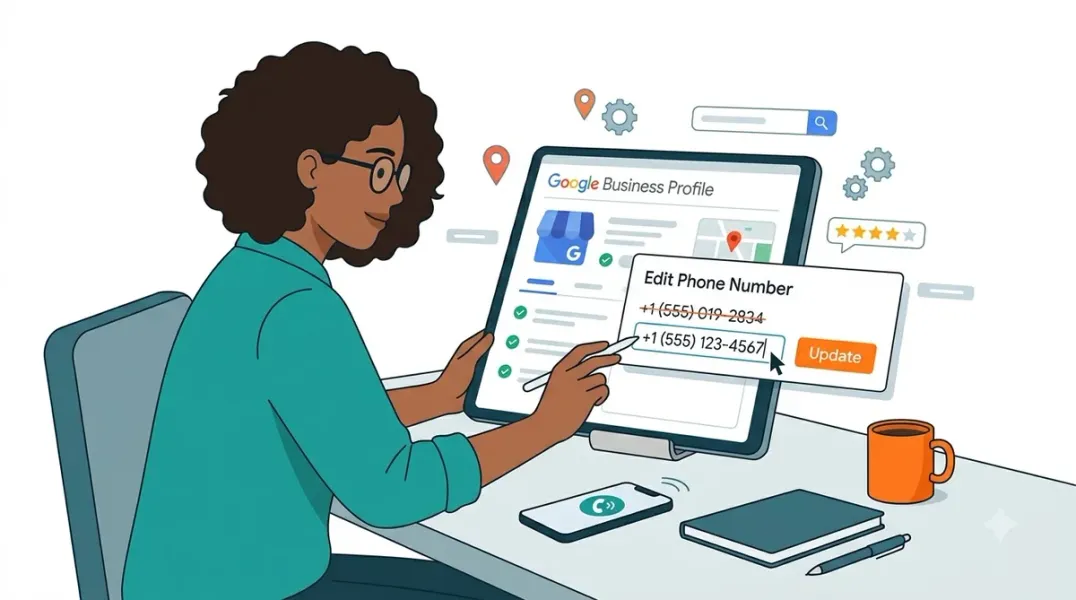
How to Change Your Phone Number on GBP:
- Sign in to your Google Business Profile Manager at business.google.com.
- Select the business location you need to update.
- Navigate to the “Info” or “Edit Profile” section.
- Find the “Phone Number” field and click the pencil icon to edit.
- Remove the old number and enter the new one.
- Click “Save” or “Apply”.
A Note for Businesses in India and Certain Regions: Google has implemented extra verification steps for phone number changes in some regions, including India. If you are located in one of these areas, your edit may be submitted for review rather than published instantly.
You may be asked to provide business proof to verify the new number. Google specifically requests proof of your business, not your personal identity. Acceptable documents include:
- Business Registration/License: GSTIN, TAN, Udyam/MSME registration, or a business license displaying the owner name, business name, and business address.
- Utility Bills: A utility bill (electricity, telephone, postpaid mobile, piped gas, water) with the business phone number, not more than two months old.
- Storefront Image: A photo of your physical store clearly showing the business name, address, and phone number.
After submitting the edit, you can provide additional information by clicking the “Learn more” link on the task card where you provided the phone number edit.
Step 2: Update Your Website and All Citations
Once your GBP is updated (or your edit is pending), you must update every other place your phone number appears. This is the critical step for maintaining NAP consistency.
Your Website:
- Update the phone number in your website’s header, footer, and Contact Us page.
- If you use a content management system (CMS) with “Connected Data” or a central content library, updating the number in one place can automatically propagate it across your site, which is the most efficient method.
- Check for the number in image files (like a contact banner) and update those as well.
Major Online Directories: Prioritize the high-authority directories where customers are most likely to find you. The essential ones include:
- Yelp
- Bing Places
- Apple Business Connect
- Better Business Bureau
- Yellow Pages
Data Aggregators: Aggregators like Data Axle, Neustar Localeze, and Foursquare distribute business information to hundreds of downstream directories. Updating your information with these services is a highly efficient way to push the correct phone number across the web. Note that corrections can take 8-16 weeks to fully propagate.
Social Media and Industry-Specific Sites:
- Update your Facebook, LinkedIn, and Nextdoor business pages.
- Update your profile on any niche, industry-specific directories (e.g., Healthgrades, Avvo, Houzz) relevant to your business.
Step 3: Monitor and Audit for Consistency
After the initial update, inconsistencies can still lurk. Use a citation scanning tool (like Moz Local, BrightLocal, or Whitespark) to audit your listings and find any remaining discrepancies.
Manually search Google for your business name combined with the old phone number to uncover mentions the tools might miss. Create a spreadsheet to track every source, the number displayed, and whether it matches your new canonical number. Flag and fix every discrepancy, even minor formatting differences like “(555) 123-4567” versus “555-123-4567”.
Special Considerations for Call Tracking
If you use a call tracking system, you must be careful not to disrupt your NAP consistency. Using dynamic number insertion (DNI) on your website is a standard practice and generally safe. The “track all calls” method, where you port your main business number into the tracking system, maintains NAP consistency because the number that appears in directories remains the same while the tracking software handles the routing behind the scenes.
Conclusion
Changing your business phone number is a logistical task that has significant implications for your local SEO and customer experience. The process requires a systematic approach: update your Google Business Profile first, then systematically correct your website, all major directories, and data aggregators. By prioritizing NAP consistency and conducting thorough audits, you can ensure that customers find the correct number and that Google continues to trust your business data. A smooth transition protects both your rankings and your revenue.
Call to Action
Is your business phone number up to date everywhere online? Use our Free NAP Consistency Checklist to audit your listings and ensure no customer is left calling a disconnected line.
FAQs
Q: How long does it take for a Google Business Profile phone number change to go live? A: In many regions, the change is immediate. However, if you are in an area that requires verification (like India), the edit will be “Pending” while Google reviews your submitted documentation. This can take several days.
Q: What is NAP consistency, and why does it matter for a phone number change? A: NAP stands for Name, Address, and Phone number. Consistency means your information is identical across all online platforms. It matters because Google uses this consistency to verify your business’s legitimacy. Inconsistent phone numbers can hurt your local search rankings.
Q: What documents does Google accept as proof for a phone number change? A: Google accepts business-specific documentation. This includes business registration or licenses (like GSTIN), utility bills showing the business phone number (less than two months old), or a storefront image displaying your business name, address, and phone number.
Q: Should I use a call tracking number as my primary number on Google Business Profile? A: It is generally not recommended to use a dynamic, campaign-specific tracking number as the primary number on your GBP. The best practice for call tracking and NAP consistency is to use a “main line tracking number” that you port your existing business number into, or to simply list your true main business number.
Internal & External Links
Internal Links
- How to Build a Master Location Database for Local Marketing Teams
- Google Business Profile Website Links: How to Choose the Right Destination Page
- How to Manage Google Business Profiles for Businesses With Multiple Phone Lines
External Sources
- Google Business Profile Manager https://www.google.com/business/
- Google Guidelines for Representing Your Business https://support.google.com/business/answer/3038177
Grow Your Google Maps Ranking on Autopilot
Stop spending hours every week manually replying to customer reviews and writing Google posts. Busirank automates your Google Business Profile to boost your local SEO rankings and turn searchers into paying clients.

 Busirank Team
