 Busirank Team
Introduction
Managing local marketing for a single location is challenging enough. When you add regional managers, agency partners, and in-house teams spread across time zones, the complexity multiplies. Each person develops their own way of doing things. Best practices live in someone’s head. When that person leaves, the knowledge leaves with them.
The result is predictable: inconsistent brand execution, missed deadlines, duplicated work, and a marketing operation that depends on heroics rather than systems.
A local marketing operations manual solves this problem. It is the centralized reference that documents how work gets done, who owns what, and what “good” looks like—so that every team member, regardless of location, can execute consistently. Organizations with mature process documentation achieve 25-40% higher productivity and 50% faster new hire time-to-competency . For distributed teams, an operations manual isn’t a nice-to-have. It is infrastructure.
This guide explains how to create a local marketing operations manual that your distributed team will actually use.
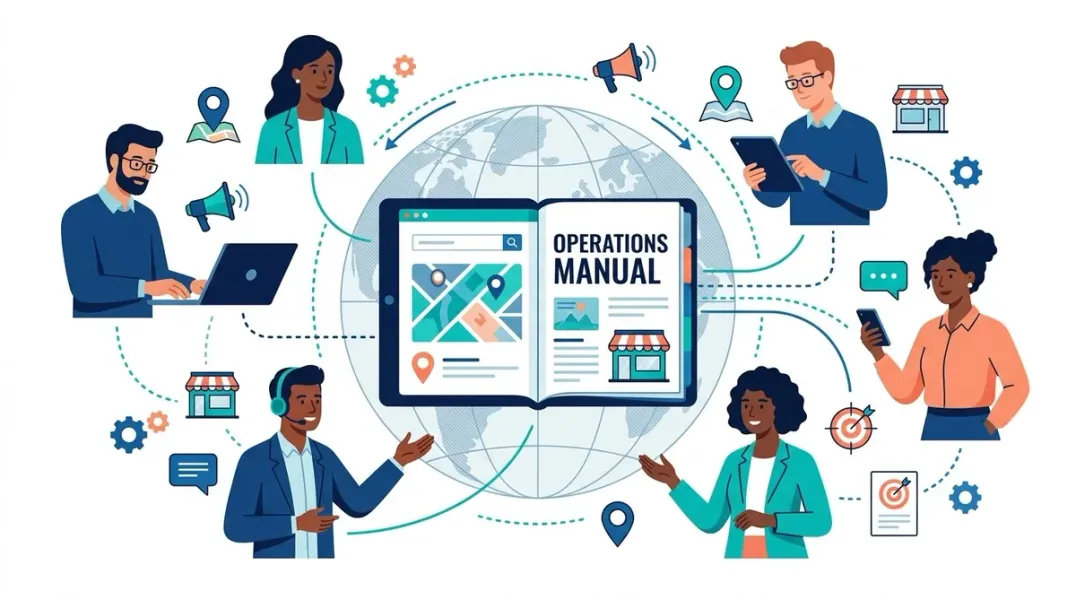
An operations manual is not a static document that sits in a shared drive collecting dust. It is a living reference that connects strategy to execution. It answers the question: “How do we do things here?”
For local marketing teams, the manual should cover:
- Core workflows that recur across locations (campaign launches, content publishing, review management, listing updates)
- Roles and responsibilities that clarify who owns what
- Communication standards that define how distributed teams collaborate
- Quality standards that ensure consistency regardless of who executes
What it is not: a replacement for judgment. The manual handles repeatable operational decisions so your team’s creative energy focuses on strategy and problem-solving .
Start with Structure, Not Content
The most common mistake in building an operations manual is trying to document everything at once. This leads to an overwhelming document that no one reads.
Instead, organize your manual around the primary functions of your local marketing operation. A typical structure might include :
- Campaign Planning & Execution: How campaigns move from idea to launch, including briefs, approvals, and timelines
- Content Production: Topic identification, writing standards, review cycles, and publishing workflows
- Listing Management: How location data is updated across Google Business Profile, directories, and your website
- Review Management: Request processes, response protocols, and escalation procedures
- Reporting & Analytics: What metrics are tracked, how reports are generated, and who reviews them
- Tools & Technology: The stack your team uses, who owns each tool, and how they integrate
This structure makes it easy for new team members to find what they need while giving leadership visibility into how operations execute .
Document Workflows at the Right Level of Detail
Vague instructions like “update the listing” or “launch the campaign” create confusion. Every recurring process should follow a consistent structure that provides clear guidance .
Effective SOPs include:
- Purpose: Why this process exists and what outcome it produces
- Scope: When it applies and when it doesn’t
- Prerequisites: What must be in place before starting
- Step-by-step instructions: Numbered steps with specific actions
- Quality checkpoints: What “good” looks like at critical stages
- Escalation procedures: What to do when something goes wrong
Write in active voice with specific, concrete language. “Upload the final creative assets to the shared drive in the campaign folder using the naming convention [Campaign_Name][Asset_Type][Date]” is infinitely more useful than “save the files appropriately” .
Include screenshots, templates, and video walkthroughs where helpful. Visual documentation often helps remote employees understand processes faster than written instructions alone .
Define Communication and Decision-Making Standards
For distributed teams, clear communication standards are as important as documented workflows. One of the biggest challenges isn’t technical ability—it’s ensuring everyone understands how decisions are made and when to escalate .
Document expectations for:
- Preferred communication platforms (Slack, email, project management tools)
- Expected response times for different types of requests
- Meeting schedules (daily standups, weekly check-ins, monthly reviews)
- Escalation procedures when issues arise
- Approval workflows and who has authority for what decisions
When these standards are clear, team members can make confident decisions without waiting for leadership approval. This creates autonomy while keeping operations aligned .
Build a Single Source of Truth
Distributed teams cannot rely on scattered documents, email threads, and individual memory. The operations manual should be the authoritative reference for how work gets done.
Choose a platform that supports:
- Central storage with easy search and navigation
- Version control so you know what changed and when
- Access controls so the right people can edit
- Mobile accessibility for team members who work from phones or tablets
Tools like ClickUp, Notion, or Confluence work well for this purpose. Some teams use ClickUp to create an “Operations Manual” Space with Folders for each department and Lists for specific procedures, linking Docs to tasks so users can move from high-level views into detailed steps .
The key principle: if it’s not in the manual, it doesn’t exist as an official process.
Assign Ownership and Schedule Reviews
An operations manual without an owner becomes outdated within months. Tools change. Team structures evolve. New processes emerge. Without regular maintenance, outdated information slows your team down .
Assign a manual owner. This is typically a marketing operations manager or a senior team lead who is accountable for keeping the manual accurate.
Schedule regular reviews. Quarterly reviews work well for most teams. Review each section, update outdated information, and add new processes as needed .
Version control matters. When processes change, document what changed and why. This creates an audit trail and helps team members understand the evolution of your operations.
Roll Out with Training, Not Document Dumps
Documentation without adoption is waste. A manual that no one reads is worse than no manual at all because it creates the illusion of process while people continue working from tribal knowledge.
Drive adoption through a structured rollout :
- Introduce each new SOP in a dedicated training session
- Have the process owner walk through the documentation
- Demonstrate the process live, using real scenarios
- Allow time for questions and feedback
- Follow up to ensure the process is being followed
For distributed teams, record these sessions so team members in other time zones can access them. Create a “Getting Started” section in the manual that orients new hires to your operations.
Keep It Simple, Especially at First
The goal for your first version is clarity, not completeness. Focus on the handful of workflows that support the majority of your work. Once those are aligned, the rest becomes easier to refine .
A minimum viable operations manual might include just five sections :
- Lifecycle stages and definitions (shared language for the customer journey)
- Lead routing rules (how leads move through your systems)
- Campaign build and launch process (the core workflow)
- Monthly reporting framework (what you measure and how)
- Basic QA checklist (how you catch errors before launch)
You can build this in 30 days or less, working one section at a time. Once this foundation is in place, expand to other areas as your team grows .
Conclusion
A local marketing operations manual transforms scattered knowledge into a scalable system. For distributed teams, it provides the consistency, clarity, and accountability that location-based marketing demands. By documenting core workflows, defining communication standards, and establishing clear ownership, you reduce the dependency on individual heroics and build an operation that runs reliably regardless of who is executing.
Start small. Focus on the workflows that matter most. Assign an owner. Review regularly. And train your team on the processes you document. An operations manual is not a one-time project—it is an ongoing practice that evolves with your business.
Call to Action
Ready to build your operations manual? Download our Local Marketing Operations Manual Template to jumpstart your documentation, or schedule a consultation to assess your team’s operational readiness.
FAQs
Q: What is the difference between an operations manual and a playbook? A: The terms are often used interchangeably. An operations manual (or playbook) is the comprehensive reference for how your team works. An SOP (Standard Operating Procedure) is a specific document within that manual that details one process. A runbook is a task-level procedure focused on execution .
Q: How long should an operations manual be? A: As long as it needs to be to clearly document your core processes, but not longer. Start with the five to ten most critical workflows. You can always expand. A shorter, accurate manual is more useful than a comprehensive, outdated one.
Q: Who should own the operations manual? A: Typically a marketing operations manager or senior team lead who has visibility across all workflows and the authority to enforce standards. The owner is responsible for updates, version control, and training.
Q: How often should we update the operations manual? A: Schedule quarterly reviews at minimum. Update immediately after any major process change, tool migration, or team restructuring. Version control should track what changed and when .
Q: How do we get distributed team members to actually use the manual? A: Make it the default reference. Link to it from onboarding materials, project templates, and communication channels. Train on it during team meetings. And keep it accurate—if people find outdated information, they will stop trusting it.
Internal & External Links
Internal Links
- How to Create a Business Profile Data Dictionary for Multi-Location Brands
- How to Build a Master Location Database for Local Marketing Teams
- How to Measure Staff Productivity in Multi-Location Marketing Operations
External Sources
- ClickUp Operations Manual Templates https://clickup.com/templates/operations-manual
- Google Business Profile Bulk Upload Guidelines https://support.google.com/business/answer/3370250
- Schema.org LocalBusiness Documentation https://schema.org/LocalBusiness
Grow Your Google Maps Ranking on Autopilot
Stop spending hours every week manually replying to customer reviews and writing Google posts. Busirank automates your Google Business Profile to boost your local SEO rankings and turn searchers into paying clients.

 Busirank Team
