 Busirank Team
Introduction
When a couple gets engaged, the venue search begins almost immediately. They open their phones, type “wedding venue near me” or “outdoor wedding venues in [city],” and scan the results within seconds. The venues that appear in the top three map results capture the majority of those clicks—and inquiries—before anyone even visits a website.
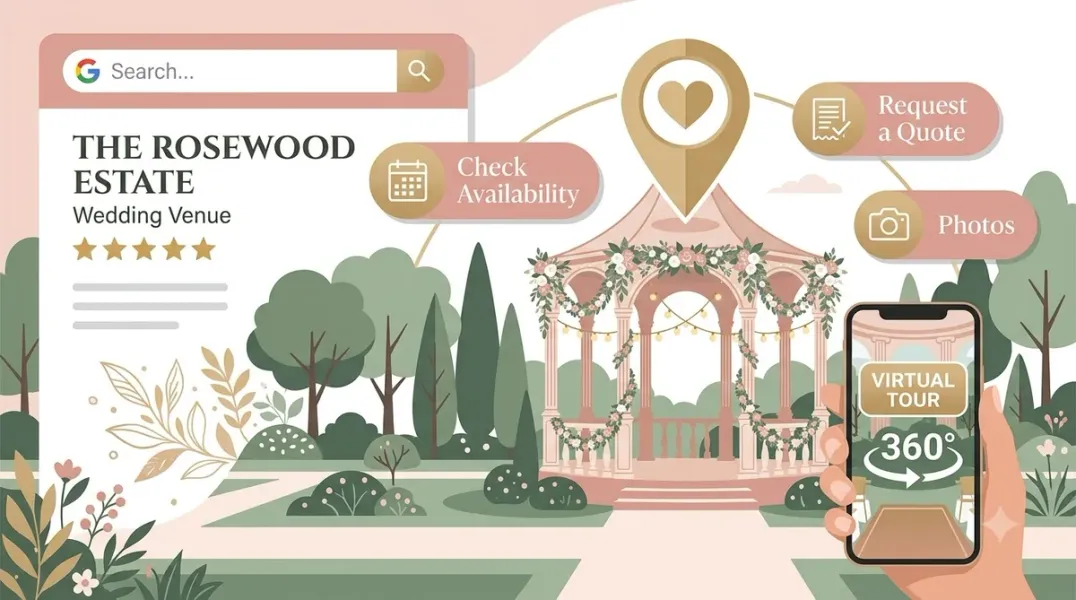
For wedding venues, Google Business Profile (GBP) is not just a listing. It is the digital storefront that determines whether a nearby couple chooses your property or the one down the street. For “wedding venue near me” and “wedding venues in [city]” searches, the local pack sits above organic results, and it pulls directly from your Google Business Profile—not your website.
This guide covers what wedding venues need to optimize their Google Business Profiles, from categories and reviews to photos, Q&A, and booking integrations.
Google decides which venues appear for those searches using three factors it names openly: relevance, distance, and prominence. You cannot move your building, but you can influence the other two. Relevance comes from completeness. Prominence comes mostly from reviews.
Most venues set up their profile once at launch and never touch it again. The ones that outrank their neighbors add new photos every season, answer every question in the Q&A section before a stranger answers it wrong, and reply to every review within a few days. It costs time, not money, and it is the single highest-leverage item on your marketing list because it is what actually shows up first.
Getting the Fundamentals Right Before posting or chasing reviews, lock down the basics Google weighs most heavily.
Choose the Most Specific Primary Category Your primary category is the single most important field on your profile. Use “Wedding Venue” as your primary category—not the broader “Event Venue.” The broader category does not match what a couple is actually typing. If your venue also hosts corporate events or quinceañeras, you can add those as secondary categories, but the primary should reflect your core business.
Fill Every Attribute Couples filter on attributes directly in search results. Fill in everything Google offers: guest capacity, indoor/outdoor options, on-site catering, parking, accessibility, whether you host both ceremony and reception. These details determine whether your venue appears when someone filters for “outdoor wedding venues” or “venues with on-site catering.”
NAP Consistency Your name, address, and phone number must match exactly across your profile, website, and every directory that lists you. Even small inconsistencies—a missing suite number, an old phone number—quietly erode trust signals.
Write a Description That Converts Your business description should not read like a wedding magazine fainted onto the keyboard. Use clear language that explains what your venue is, where it is, and why couples should care.
A weak description says: “A timeless and elegant venue perfect for your special day.” That says nothing.
A strong description says: “[Venue Name] is an all-inclusive wedding venue near [City], offering indoor and outdoor ceremony spaces, a climate-controlled reception barn, getting-ready suites, on-site coordination, and a private countryside setting for weddings of up to [X] guests.”
Specific beats fluffy every time.
Reviews: The Primary Trust Signal for Wedding Venues Reviews are not just social proof. They are a documented factor in how Google ranks the local pack. A venue with three reviews from 2022 reads as inactive next to one collecting fresh reviews every month.
Volume and Recency Both Matter A venue with 200 reviews from 2021 and nothing since reads, to both couples and algorithms, as a venue that may have coasted since then. A steady, ongoing stream of recent reviews signals an active, currently-performing business.
Ask at the Right Moment The best time to request a review is while the wedding day is still emotionally vivid. Ask every couple shortly after the event, before they have moved on to honeymoon photos and thank-you cards. The mechanism is simple: a follow-up email a week or two after the event, timed while the experience is fresh. A coordinator asking in person or by text right after the final walkthrough consistently outperforms an automated request that goes out three weeks later.
Respond to Every Review Reply to every review within a few days, including the difficult ones. A thoughtful, professional response to a critical review often does more for your credibility than the review itself does damage. Prospective couples read how you handle a bad review as a proxy for how you would handle a problem at their own wedding. Silence, or a defensive response, reads far worse than a calm, accountable one.
When responding, use the couple’s names and mention specific details from the review. Work in the venue name and location naturally for SEO benefit.
Photos and Visual Content Photos drive clicks and inquiries. Couples want to picture their event in your space, so show them the ballroom set for 200, the gazebo mid-ceremony, the cocktail hour on the terrace.
What to Upload Real photos of real events at your venue—not renderings, not stock images. Recent photos quietly answer the question every prospect has about an older venue: what does it look like now?
Show the kind of work you want to book more of. Different seasons, different setups, different event types. A venue that updated yesterday ranks higher than one that updated six months ago for the same keyword.
How Often to Update Google’s freshness algorithm prioritizes venues that show recent activity. Upload 2-3 new event photos monthly at minimum. Most venues set it up once and let it become a time capsule of what the business looked like six years ago. Do not be that venue.
Services, Booking Links, and Google Posts Your profile should function as a mini homepage that answers the questions a couple has before they are willing to send an inquiry.
List Your Services and Packages Use the services section to list what you offer: wedding packages, ceremony and reception options, rehearsal dinners, micro-weddings, all-inclusive options. Be specific. “Outdoor ceremonies” and “indoor receptions” help Google understand what you actually provide.
Enable Booking Links If your venue offers tours or open house appointments, add a booking link to your profile. You can connect third-party scheduling tools or add a custom URL to your tour scheduler. This removes friction for couples who are ready to visit.
Post Weekly Google Posts are short updates that appear directly on your profile. Use them to promote open houses, seasonal availability, new packages, real wedding features, or planning resources. Keep the language clear and keyword-aware—not like Instagram hashtags. Weekly posting signals an active, trustworthy business.
Seed the Q&A Section The Q&A section is consistently overlooked yet powerful. Google pulls answered questions into search results, and they boost your prominence.
Seed your profile with the questions couples actually ask: “Can we bring our own caterer?” “What’s the guest capacity?” “Do you offer day-of coordination?” “What are your backup plans for weather?” “Can we do a ceremony and reception?” “What’s your cancellation policy?” “Can we decorate?” “Do you provide tables and chairs?”
Answer each within 24 hours. If you leave the Q&A empty, a stranger might answer incorrectly before you get the chance.
Building Local SEO Beyond the Profile Three things move the needle outside your Google Business Profile.
NAP Consistency Across Directories Your venue should appear on wedding-specific directories like WeddingWire, The Knot, and Bridebook, alongside general business directories. NAP consistency across all platforms signals trustworthiness to Google.
Service-Specific Pages on Your Website A venue that hosts weddings, quinceañeras, and corporate events needs pages that say so in plain terms. “Banquet hall” alone matches none of those searches well. Create dedicated pages for each event type you want to rank for.
Mobile Optimization 73% of couples research wedding venues on mobile devices. Ensure your booking forms, galleries, and contact information work seamlessly across all devices.
Conclusion
Google Business Profile optimization for wedding venues is not a one-time setup. It requires ongoing attention to categories, reviews, photos, and service content. The venues that treat their profile as a living asset—updated weekly, monitored consistently—are the ones that own their local market and convert nearby couples into booked events.
Call to Action
Ready to fill your calendar with qualified inquiries from local search? Audit your Google Business Profile today using the strategies in this guide. If you need expert help optimizing your venue for maximum visibility, contact our local SEO team for a free consultation.
FAQs
1. What is the best primary category for a wedding venue?
Use “Wedding Venue” as your primary category, not the broader “Event Venue.” The broader category does not match what couples actually search for.
2. How many reviews do I need to rank in the Map Pack?
There is no fixed number, but volume and recency both matter. A steady stream of recent reviews signals an active, currently-performing venue. Aim for consistent collection rather than one-time pushes.
3. When should I ask couples for reviews?
Ask while the wedding day is still vivid—a week or two after the event. A coordinator asking in person or by text right after the final walkthrough consistently outperforms automated requests sent weeks later.
4. Should I respond to negative reviews?
Yes, always. Prospective couples read how you handle a bad review as a proxy for how you would handle a problem at their own wedding. A calm, accountable response does more for your credibility than the review itself does damage.
5. How often should I post on Google Business Profile?
Weekly posting signals an active, trustworthy business. Share open houses, seasonal availability, real wedding features, or planning resources.
6. Why does my custom booking link not show a blue “Book” button?
The blue “Book” CTA button typically only appears when you use a booking provider that has a direct integration with Google. Custom links appear in the info section but may not trigger the button.
Internal & External Links
- Internal Link: [Google Business Profile Booking Links: How to Help Customers Schedule Appointments] (Topic #117)
- Internal Link: [How to Measure Appointment Conversion Rates From Local Search Traffic] (Topic #132)
- Internal Link: [Google Business Profile for Photographers: Showcasing Services and Building Local Demand] (Topic #127)
- External Link: Google Business Profile Help: Tips to Get More Reviews (official Google review guidelines)
- External Link: Google Business Profile Help: Manage Your Local Business Links (official Google support for booking links)
Grow Your Google Maps Ranking on Autopilot
Stop spending hours every week manually replying to customer reviews and writing Google posts. Busirank automates your Google Business Profile to boost your local SEO rankings and turn searchers into paying clients.

 Busirank Team
