 Busirank Team
Introduction
When someone searches “things to do near me” or “museums in [city],” Google does not ask which institution is the most culturally important. It asks which option will best satisfy that person today . Proximity, clarity, activity, and freshness drive the results.
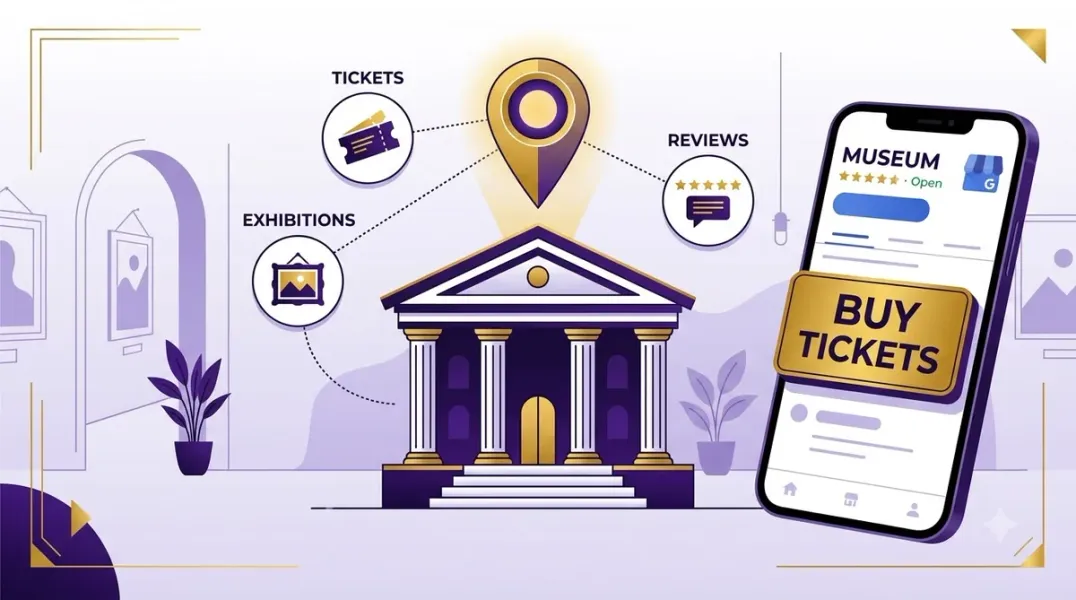
For museums and tourist attractions, Google Business Profile (GBP) is not just a listing. It is often the first stop in a visitor’s research—before they ever reach your website. Travelers checking opening times, flicking through photos of the cafe, or deciding whether a museum is worth leaving the house for will use your Google profile as their primary source of information .
Most museums check all the right boxes on paper. They just fail to communicate it where it matters most. This guide covers what museums and tourist attractions need to optimize their Google Business Profiles, from categories and photos to reviews, posts, and Q&A.
Google is trying to solve a problem, not reward prestige. When someone searches for something to do, Google prioritizes businesses that are clear, active, and locally relevant . Silence on your profile reads as inactivity. Inactivity reads as irrelevance.
Your Google Business Profile decides whether you even get considered. For “things to do near me” searches, your website is often not the first stop—your GBP is . This is where people decide if you are open, if something is happening, if you look interesting, and if you feel welcoming.
Getting the Fundamentals Right Before posting or chasing reviews, lock down the basics Google weighs most heavily.
Choose the Right Categories Many museums only categorize themselves as “Museum.” That is technically correct and strategically limiting. Depending on your institution, additional categories might include Tourist Attraction, Educational Center, Cultural Center, Art Gallery, History Museum, or Science Museum .
These categories help Google understand when to surface your museum for broader intent-based searches. You are not mislabeling yourself—you are giving context.
NAP Consistency and Complete Information Your name, address, and phone number must match exactly across your profile, website, and every directory that lists you . Even small inconsistencies—like “St.” versus “Street”—can create confusion and hurt rankings.
Fill every field. Complete profiles with accurate details get better visibility in local search . Keep opening times up to date, including seasonal closures and special holiday hours . A “temporarily closed” tag from stale information can kill a day’s visitation.
Write a Visitor-Focused Description Museums sometimes get in their own way with institutional language. People are not searching for “interpretive educational experiences.” They are searching for something fun, interesting, easy, or worthwhile .
Use plain language that describes what visitors will see, what they will do, how long it takes, and who it is good for. Include the most pertinent information within the first 250 characters of your 750-character limit . Clarity beats elegance every time.
Photos: The Most Important Asset for Attractions Images are the most-clicked section on any Google Business Profile . For museums and attractions, photos are not decoration—they are the primary sales tool.
Google estimates that businesses with photos receive 42% more requests for driving directions and 35% more clicks through to their website than businesses that do not have photos .
What to Upload Upload real, eye-catching photos that reflect what is actually in the museum. If you have a cafe or shop, include photos of the food and products visitors can expect . Show galleries, exhibitions, interactive elements, and visitors enjoying the space .
Leverage guest photography (with permission)—it can be even more convincing and authentic than professional photography . Photos should be updated monthly, or weekly during busy seasons. Google favors active profiles, and the algorithm notices freshness .
Reviews: The Quiet Influence on Visitor Decisions When multiple options appear in search results, reviews break ties. Not just star ratings—content. Reviews that mention kids, weekends, events, exhibits, staff, or experiences help Google and humans understand what you offer .
Encourage Reviews at the Right Moment A simple reminder at the end of a visit goes a long way. Place a QR code on signage in the lobby, at the exit, or on receipts . Train staff to mention reviews casually at checkout: “If you enjoyed your visit, we would love a review” .
Respond to Every Review Replying to reviews signals engagement to Google and demonstrates that you value visitor feedback. For negative reviews, a thoughtful and respectful response can actually add to your perceived trustworthiness . Do not fall silent just because the review is not five stars.
Google Posts: Signaling Activity and Relevance Google favors places that look alive. Museums that regularly post exhibitions, family days, lectures, workshops, and special events signal relevance .
Even if someone does not attend the event, seeing activity reassures them that the museum is worth visiting now, not someday. Event posts do not just promote attendance—they improve visibility .
Post weekly if possible. Use Google Posts to share new exhibitions, seasonal openings, special events, and behind-the-scenes content . Keep the language clear and keyword-aware, not like Instagram hashtags.
Q&A: Answer Before Visitors Ask The Q&A section is consistently overlooked yet powerful. Google pulls answered questions into search results, and they boost your prominence .
Seed your profile with the questions visitors actually ask: “Is parking free?” “Do you have a cafe?” “Is it family-friendly?” “How long does a visit take?” “Can I bring a backpack?” “Do you offer guided tours?” .
Answer each within 24 hours. If you leave the Q&A empty, a stranger might answer incorrectly before you get the chance.
Building Local SEO Beyond the Profile Three things move the needle outside your Google Business Profile.
Website Pages That Match Visitor Intent When someone searches “things to do near me,” they are not looking for your mission statement. They are looking for an answer . Strong museum websites include pages built specifically for families, weekends, rainy days, tourists, locals, and school breaks. Not buried in navigation—clearly labeled and easy to scan.
Local Link Building Sponsor a school program, partner with a nearby cafe or hotel, get covered by the local paper. These local links signal relevance to Google more effectively than generic directory submissions.
Seasonal Business Considerations For attractions with seasonal operations, use temporary closures and special hours correctly. If a museum closes for winter, set it as “temporarily closed” rather than leaving it as “open” on the map . During peak seasons, update special hours for holidays and events.
Conclusion
Google Business Profile optimization for museums and tourist attractions is not a one-time setup. “Things to do near me” visibility is built through regular updates, steady content, accurate information, and ongoing engagement . The institutions that treat their profile as a living asset—updated weekly, monitored consistently—are the ones that own their local radius and convert nearby searchers into visitors.
Call to Action
Ready to reach more local visitors from Google search? Audit your Google Business Profile today using the strategies in this guide. If you need expert help optimizing your museum or attraction for maximum visibility, contact our local SEO team for a free consultation.
FAQs
1. What is the best primary category for a museum?
Use “Museum” as your primary category, but add secondary categories that reflect your broader appeal: Tourist Attraction, Educational Center, Cultural Center, Art Gallery, or History Museum . These help Google surface you for intent-based searches.
2. How many photos should I upload to my Google Business Profile?
There is no fixed number, but volume and freshness both matter. Businesses with over 100 photos receive significantly more calls and direction requests . Aim to add new photos monthly, or weekly during busy seasons.
3. Should I respond to negative reviews?
Yes, always. A thoughtful, respectful response to a negative review can actually add to your perceived trustworthiness . It shows you are listening and care about visitor experience.
4. How often should I post on Google Business Profile?
Weekly posting is ideal for signaling activity to both Google and visitors. Share new exhibitions, family days, lectures, workshops, and special events .
5. Why does my museum not show up for “things to do near me” searches?
Google prioritizes proximity, clarity, activity, and relevance for these searches . Check your categories, ensure your hours are accurate, post regularly, and encourage reviews that mention specific experiences.
6. How do I handle seasonal closures on Google Business Profile?
Use temporary closures or special hours to reflect seasonal operations. Do not leave your profile marked “open” if you are closed for the season—this misleads visitors and hurts trust .
Internal & External Links
- Internal Link: [Google Business Profile Booking Links: How to Help Customers Schedule Appointments] (Topic #117)
- Internal Link: [Google Business Profile for Wedding Venues: How to Attract Event Inquiries] (Topic #122)
- Internal Link: [How to Measure Appointment Conversion Rates From Local Search Traffic] (Topic #132)
- External Link: Google Business Profile Help: Tips to Get More Reviews (official Google review guidelines)
- External Link: Museums Galleries Scotland: Make an Impact with Google Business Profiles (industry resource for museums)
Grow Your Google Maps Ranking on Autopilot
Stop spending hours every week manually replying to customer reviews and writing Google posts. Busirank automates your Google Business Profile to boost your local SEO rankings and turn searchers into paying clients.

 Busirank Team
