 Busirank Team
Introduction
You have decided your business needs a booking link on its Google Business Profile. The next question is which provider to use—and the answer matters more than most businesses realize.
Not all booking integrations are created equal. Some providers display a prominent “Book” button directly on your Google profile, while others only show a plain link in the info section . Some sync with Google’s Reserve platform, while others require manual setup. Some charge per booking, while others charge a monthly subscription.
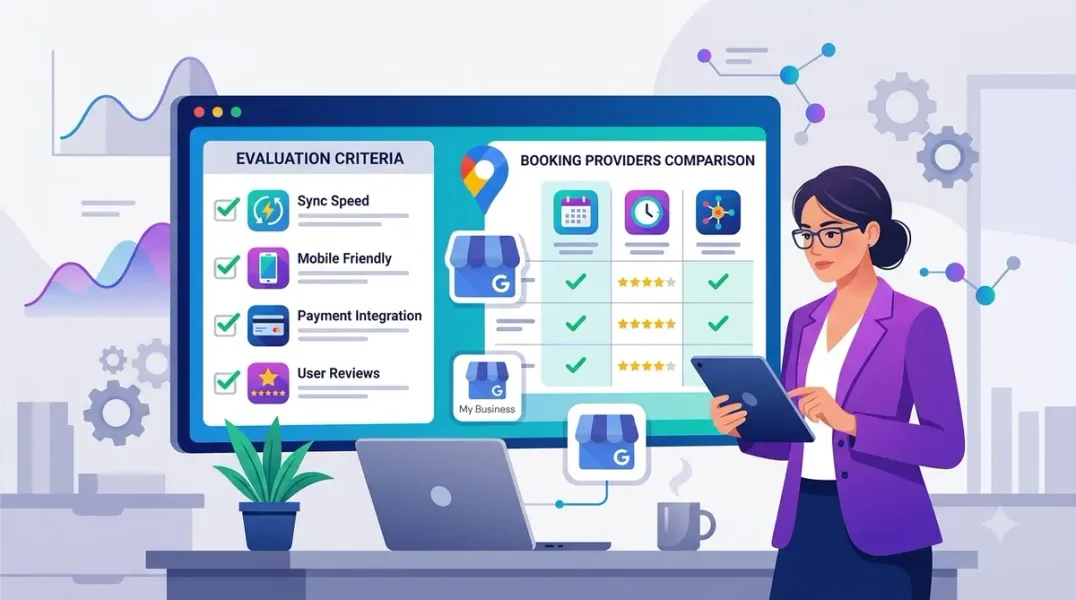
This guide covers what to evaluate before committing to a booking integration provider, from Google’s technical requirements to cost structures, feature depth, and long-term flexibility.
Full Integration (Reserve with Google) This is the highest level of integration. When a provider has a direct partnership with Google, your profile displays a prominent “Book Online” or “Book” button directly in the knowledge panel . Customers can see available appointment times, select services, and complete bookings without leaving Google Search or Maps .
Providers with this integration include Fresha, Booksy, Housecall Pro, Goldie, CareStack, and Tripleseat, among others .
Custom Link (Manual Setup) If your provider is not integrated with Google’s Reserve platform, you can still add a custom booking link in the “Bookings” section of your profile. However, this link will appear in the info section but will not trigger the prominent blue “Book” CTA button . Customers must click through to your booking page to see availability.
This distinction matters. The prominent button captures more clicks because it appears as a primary action. A plain link requires more effort from the customer.
Evaluate Google’s Eligibility Requirements Google has specific platform policies for what types of businesses and services can use the Reserve with Google integration. Before evaluating providers, confirm your business qualifies .
Supported Service Categories Google currently supports these service types for booking integrations: appointments, reservations, classes, activities, consultations and assessments, and registrations and trials .
Common Disqualifiers Several categories are not supported unless explicitly specified: membership or subscription-based services, services requiring insurance or special legal requirements (dentistry, healthcare, childcare, adult entertainment), legal services, and mobile or in-home services unless the business participates in Google Guaranteed or Google Screened programs .
Custom Field Restrictions Google does not allow custom fields beyond first name, last name, email, phone number, and (for Google Guaranteed businesses) address. If your booking flow requires intake forms, waivers, or custom questions, you may not qualify for the full integration .
Assess Feature Fit for Your Business Type Different providers excel at different business models. The provider that works for a solo barber may not fit a multi-location salon or a fitness studio with class schedules.
For Salons and Personal Care Providers like Booksy, Fresha, and Goldie are built for service businesses with staff scheduling, service menus, and client records . Booksy offers a marketplace for client discovery, while Fresha’s model emphasizes lower entry costs with payment processing revenue .
For Fitness and Wellness Mindbody handles class schedules, memberships, and recurring billing alongside appointments. It targets larger studios and multi-location wellness businesses .
For Professional Services and Sales Teams Calendly is optimized for sales and business development, with deep CRM integrations and routing logic for distributing leads to the right representative. Acuity Scheduling functions more like a lightweight CRM with client history, notes, and service-specific automated reminders .
Understand the Cost Structure Booking providers use several revenue models, and the right choice depends on your volume and growth stage.
Subscription Models Providers like Booksy charge monthly fees (approximately $29.99/month plus $20 per additional staff member) . This model offers predictable costs and full feature access without per-booking fees.
Commission Models Fresha charges a one-time fee on every new client its marketplace introduces, calculated on that client’s first booking . There is no monthly subscription for core scheduling, but unlisting your marketplace profile disables online booking channels entirely .
Free Tiers Calendly and Fresha both offer free plans, but they come with limitations. Calendly’s free plan allows only one event type; advanced features like workflows, SMS reminders, and removing Calendly branding require paid subscriptions . Fresha’s free tier covers core scheduling but may limit customization and advanced controls .
The Break-Even Rule If your new-client volume from the marketplace is low (below roughly two marketplace clients per month), a commission model is usually cheaper than a subscription. Above that threshold, subscriptions often provide better value .
Check Integration and Sync Quality The technical quality of the integration determines whether it actually works reliably.
Real-Time Availability Sync The integration should pull real-time availability from your calendar. Double-booking occurs when the sync is delayed or incomplete. Providers like Goldie specifically confirm that clients only see and select time slots that are actually open in your calendar .
Automatic Setup vs. Manual Configuration Some integrations connect automatically when your Google Business Profile and booking provider information match exactly—business name, phone, and address . Others require manual configuration and submission of business details, with approval taking up to two weeks or longer .
Changes Propagation Time After activating or modifying a Reserve with Google integration, changes may take up to 72 hours to appear on your Google profile . Plan accordingly if you need bookings live for a specific date.
Evaluate Client Management and Reminders The booking integration is only one part of the system. What happens after a booking is equally important.
Client Records Acuity Scheduling stores appointment history, notes, and contact details per client, functioning as a lightweight CRM. Calendly tracks contacts more loosely and assumes your CRM handles record-keeping .
Automated Reminders Text reminders reduce no-shows by 38% compared to no reminder, and multi-channel reminders push reductions higher . Acuity allows different timing and message content for different service types. Calendly’s reminders target meeting confirmations rather than service-specific client journeys .
Consider Long-Term Flexibility Your booking provider choice is not easily reversed. Switching providers means migrating client data, retraining staff, and potentially losing Google integration during the transition.
Data Portability Can you export client records, appointment history, and notes if you leave? Providers vary in how much data they allow you to take with you.
Brand Control Marketplace-based providers like Fresha and Booksy give you exposure but may also place your business alongside competitors. Fresha’s model requires maintaining your marketplace listing to keep online booking enabled . Booksy’s marketplace is optional, with Boost fees applying only when you opt in .
Conclusion
Choosing a Google Business Profile booking integration is not just a technical decision—it affects how customers find you, how they book, and how much you pay for each new client. Evaluate providers against Google’s eligibility rules, your business model, your volume, and your tolerance for marketplace exposure versus subscription costs. The right provider removes friction from your booking flow and turns high-intent Google searches into confirmed appointments.
Call to Action
Ready to add booking to your Google Business Profile? Use the evaluation criteria in this guide to compare providers. If you need help selecting and configuring the right integration for your business, contact our local SEO team for a free consultation.
FAQs
1. What is the difference between a full integration and a custom booking link?
A full integration (Reserve with Google) displays a prominent “Book Online” button with visible availability. A custom link appears in the info section but does not trigger the CTA button .
2. Which businesses are not eligible for Reserve with Google?
Membership-based services, healthcare providers handling protected health information, legal services, and mobile or in-home services without Google Guaranteed or Screened status are not supported .
3. Do I need a subscription or commission-based provider?
If your marketplace new-client volume stays below roughly two clients per month, a commission model is usually cheaper. Above that, subscriptions often provide better value .
4. Can I switch providers after setting up an integration?
Yes, but you will need to migrate client data, retrain staff, and potentially lose Google integration during the transition. Check data portability before committing.
5. How long does it take for the booking button to appear?
After activation, changes may take up to 72 hours to appear on your profile. Manual configurations can take longer, up to two weeks in some cases .
6. What if my booking flow requires intake forms or waivers?
Google does not allow custom fields beyond name, email, phone, and address for most businesses. If your flow requires waivers or custom questions, you may not qualify for the full integration .
Internal & External Links
- Internal Link: [Google Business Profile Booking Links: How to Help Customers Schedule Appointments] (Topic #117)
- Internal Link: [How to Measure Appointment Conversion Rates From Local Search Traffic] (Topic #132)
- Internal Link: [How to Manage Google Business Profiles for Businesses With Appointment-Only Locations] (Topic #130)
- External Link: Google Actions Center: Business Link Platform Policies (official Google eligibility and policy documentation)
- External Link: Google Reserve Help: Make a Booking (official Google booking experience documentation)
Grow Your Google Maps Ranking on Autopilot
Stop spending hours every week manually replying to customer reviews and writing Google posts. Busirank automates your Google Business Profile to boost your local SEO rankings and turn searchers into paying clients.

 Busirank Team
