 Busirank Team
Introduction
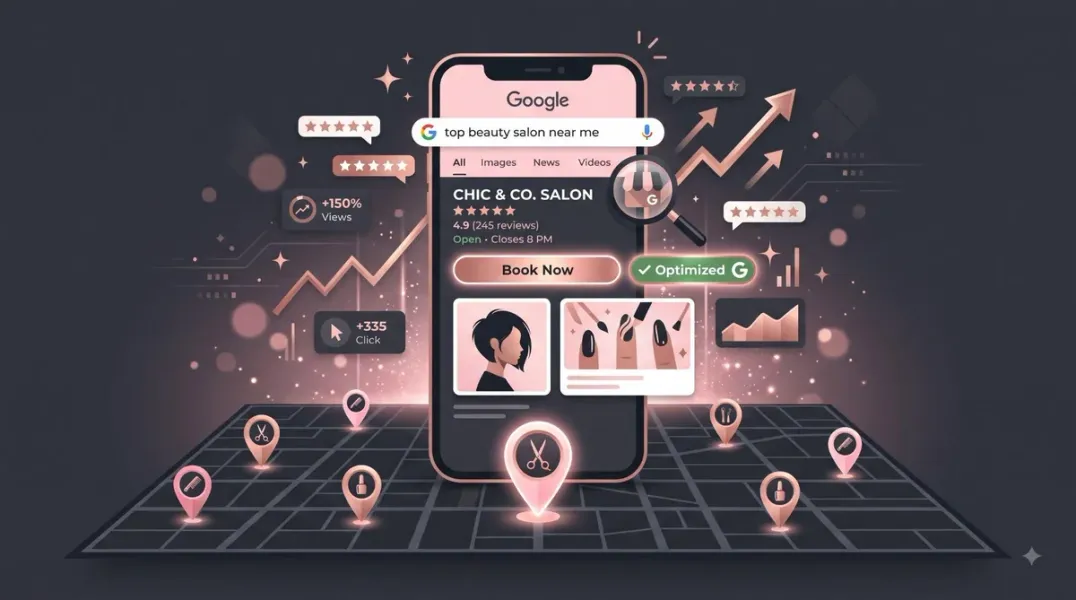
When someone decides it’s time for a new haircut, a fresh set of nails, or a facial, the search almost always starts on a phone. They type “beauty salon near me” or “[service] in [city]” and scan the results. The salons that appear in the top three map results capture the majority of those clicks—and bookings—before anyone even visits a website .
For beauty salons, Google Business Profile (GBP) is not just a listing. It is the digital storefront that determines whether a nearby searcher chooses your chair or the salon down the street. Salons with fully completed profiles get 7x more clicks and 70% more direct appointment requests . With 76% of people who search for a nearby service visiting a business within 24 hours—if they find it credible—an incomplete or outdated profile quietly sends potential clients to competitors .
This guide covers what beauty salons need to optimize their Google Business Profile, from categories and reviews to photos, services, and booking integrations.
The stakes are higher than ever because discovery is being compressed. Today, a consumer can find and book a salon without ever visiting a website. Maps, reviews, photos, and Google Posts now do the work that home pages once did . Your Google Business Profile is not a supplement to your marketing—it is often the primary conversion point for new clients .
Getting the Fundamentals Right Before posting or chasing reviews, lock down the basics Google weighs most heavily.
Choose the Most Specific Primary Category Your primary category is the single most important field on your profile. “Beauty Salon” is broader than “Hair Salon.” “Hair Salon” is broader than “Color Salon” . Choosing a category that is too broad means you are competing with every type of salon in your area rather than ranking specifically for what you actually offer.
Select the most precise option that accurately describes your primary service: Hair Salon, Nail Salon, Makeup Artist, Facial Spa, or Waxing Hair Removal . Add secondary categories that reflect genuine offerings—“Hairdresser,” “Skincare Clinic,” “Bridal Shop”—but avoid selecting too many irrelevant categories, as this can confuse Google and hurt visibility .
NAP Consistency Is Non-Negotiable Your name, address, and phone number must match exactly across your profile, website, social media bios, Yelp, and every other directory that lists you . If your profile says “123 Main St.” and your website says “123 Main Street,” that inconsistency adds up across dozens of listings and signals risk to Google. Use your official salon branding consistently everywhere .
Write a Salon Description That Converts Your business description is prime real estate. Highlight your signature services—hair color, bridal makeup, luxury facials. Showcase unique selling points: award-winning stylists, organic products, celebrity clients. Add a local keyword naturally: “Located in Downtown Austin” .
Keep it under 750 characters and focus on what makes you different. Mention your location, your services, and who you help .
Reviews: The Primary Trust Signal for Salons Prospective clients read reviews closely before booking. A profile with three reviews from last year sends a different message than one with a steady flow of recent feedback.
Concentrate Your Reviews on Google Splitting feedback across Google, Facebook, and Yelp dilutes your strongest signal. Google reviews specifically feed your local search ranking. When you ask a client for a review, point them to Google first .
When and How to Ask The best time to request a review is right after a positive moment: a great cut, a relaxing facial, a bridal trial that went beautifully. Ask at checkout, immediately after an appointment, while the client is still in the salon. Give them a QR code that goes straight to your Google review page, or send a direct link via text .
The personal, in-the-moment ask converts far better than an email blast sent days later . Aim for at least two new reviews a week—consistency matters more than bursts .
Respond to Every Review Reply within 24 to 48 hours, including positive reviews. Mention the service: “Thank you for trusting us with your balayage!” Personalized replies send a stronger engagement signal than templated ones.
A thoughtful response to a negative review can actually strengthen your reputation. Future clients reading your profile are not just looking at the complaint—they are looking at how you handled it .
Photos and Visual Content Photos drive clicks and bookings. Profiles with photos receive 42% more requests for directions and 35% more click-throughs to websites, according to Google’s own data .
Upload real images of your salon: exterior, interior, chairs and mirrors, staff in action, product displays, and client transformations (with signed consent) . Bright, clean, smiling photos outperform dark or cluttered shots. Add new photos at least once a fortnight—Google rewards active profiles with better visibility .
Services, Pricing, and Google Posts Many salons leave the Services section empty. This is a mistake. Adding your services gives Google more context about what you offer and helps you appear in more relevant searches. Salons that list services get 28% more direct booking actions .
List every treatment: Women’s Haircut and Blowdry, Keratin Smoothing Treatment, Full Bridal Makeup, Gel Manicure. Include the name, a short description, and a price where possible . Use natural language—write the way your clients speak.
Post on your profile at least once a week. Google Posts are short updates that appear directly on your profile. Use them to promote offers, announce new services, or share seasonal content—a summer skin prep offer or a Christmas gift voucher campaign . Each post should have a clear call to action: “Book Now,” “Learn More,” or “Call Us Today.” Consistent posting signals an active, trustworthy business to Google .
Connect Your Booking Flow to Search Every extra click between a client spotting your profile and confirming an appointment is a drop-off point. Online booking embedded in your GBP via the “Book online” integration consistently converts better than routing people to a phone number or contact form .
If you use a booking system such as Fresha, Treatwell, or Mindbody, you can often connect it directly to your GBP. This adds a “Book Online” button to your profile, removing friction for clients who are ready to commit .
If your booking provider is not directly integrated with Google, you can still add a custom booking link under the Bookings section. Paste the direct URL to your scheduling page. While custom links may not always trigger the blue “Book” CTA button, the link will still appear in your profile’s info section . Some businesses add “Book Now” text in the business description or posts with the link to encourage action .
Enable Messaging and Respond Quickly Google allows customers to message you directly through your profile. Enable this feature and respond fast. Set an auto-reply like: “Thank you for reaching out to [Salon Name]! We’ll get back to you within 1 hour.” Google rewards responsiveness with better ranking .
Conclusion
Google Business Profile optimization for beauty salons is not a one-time setup. It requires ongoing attention to categories, reviews, photos, and service content. The salons that treat their profile as a living asset—updated weekly, monitored consistently—are the ones that own their local radius and convert nearby searchers into loyal clients.
Call to Action
Ready to fill more chairs from local search? Audit your Google Business Profile today using the strategies in this guide. If you need expert help optimizing your salon for maximum bookings, contact our local SEO team for a free consultation.
FAQs
1. What is the best primary category for a beauty salon?
Choose the most specific category that describes your main service: “Hair Salon,” “Nail Salon,” “Makeup Artist,” or “Facial Spa.” The primary category carries the most ranking weight .
2. How many reviews do I need to rank in the Map Pack?
There is no fixed number, but volume and recency both matter. Aim for two to four new reviews every month, consistently. A smaller total count growing steadily will outrank a larger one that stopped months ago .
3. Should I ask all clients for reviews?
Ask every happy client at checkout, immediately after a service they clearly loved, while they are still in the salon. The personal, in-the-moment ask converts far better than an email blast .
4. Can I offer incentives for Google reviews?
No. Google prohibits incentivized reviews and review gating. Ask everyone in neutral language without steering what they say.
5. How often should I post on Google Business Profile?
At least once a week. Consistent posting signals an active, trustworthy business to Google and keeps your profile fresh in search results .
6. Why doesn’t my custom booking link show a blue “Book” button?
The blue “Book” CTA button typically only appears when you use a booking provider that has a direct integration with Google. Custom links (like Calendly) appear in the info section but may not trigger the button. You can still encourage bookings through Google Posts and your business description .
Internal & External Links
- Internal Link: [Google Business Profile Booking Links: How to Help Customers Schedule Appointments] (Topic #117)
- Internal Link: [Google Business Profile for Gyms and Fitness Studios: A Local Marketing Guide] (Topic #119)
- Internal Link: [How to Measure Appointment Conversion Rates From Local Search Traffic] (Topic #132)
- External Link: Google Business Profile Help: Manage Your Local Business Links (official Google support for booking links)
- External Link: Fresha: Marketing for Salons (industry resource for salon booking integrations)
Grow Your Google Maps Ranking on Autopilot
Stop spending hours every week manually replying to customer reviews and writing Google posts. Busirank automates your Google Business Profile to boost your local SEO rankings and turn searchers into paying clients.

 Busirank Team
