 Busirank Team
Introduction
When a check engine light comes on, most drivers don’t open a phone book—they pull out their phone, type “auto repair near me,” and scan the first few results. The same is true for car buyers searching for a dealership. In both cases, the business that owns the local Map Pack wins the customer.
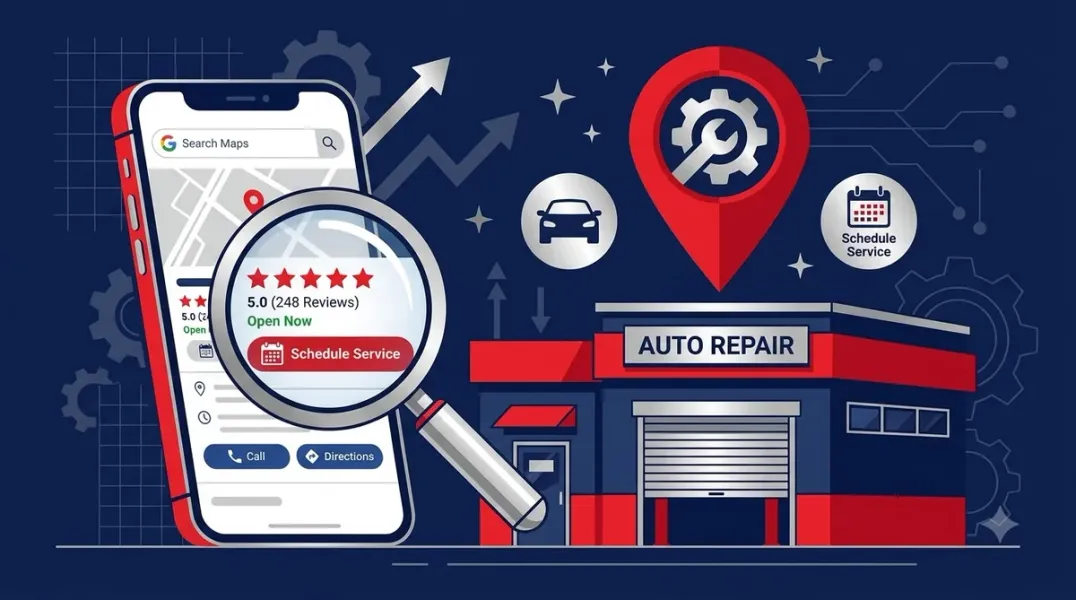
For auto repair shops and dealerships, Google Business Profile (GBP) is not just a listing—it is the digital front door that determines whether a nearby searcher chooses you or the shop down the street. This guide covers the specific strategies these businesses need to optimize their profiles, build trust, and convert local searches into visits and sales.
For dealerships, the stakes are equally high. GBPs drive roughly 15% of all dealership website traffic, making them one of the most important digital assets available . Car buyers research locally—“[brand] dealer near me,” “used cars [city]“—and the dealership that owns the Map Pack and a strong review profile gets the lot visits .
Choosing the Right Categories Your primary category signals to Google what your business actually does. For auto repair shops, the primary category should be “Auto Repair Shop.” Add secondary categories for every service you offer: Oil Change Service, Brake Shop, Tire Shop, Transmission Shop, Auto Electrical Service, and Emissions Inspection Station . Specialty shops should lead with their specialty—if transmission work is your focus, make “Transmission Shop” the primary category.
For dealerships, use “Car Dealer” or “Used Car Dealer” as the primary category, depending on your inventory focus . Add “Car Repair and Maintenance,” “Auto Parts Store,” and “Auto Body Shop” as secondary categories where applicable .
A critical mistake many shops make: selecting “Auto Repair Shop” when your actual specialty is collision repair. If you select the wrong category, Google assumes you handle general repairs rather than accident damage, and you miss high-intent searches like “collision repair near me” . Your category is your relevance filter—if it is misaligned, you get shown for the wrong searches.
Optimizing Your Profile for Trust and Visibility Reviews are the primary trust mechanism in the automotive trades. For auto repair shops, collect reviews on every job rather than occasionally . Three collection points that work: a text message with a direct Google review link after every completed service, a printed QR code at the service counter, and service advisors trained to ask satisfied customers in person.
The wording of reviews matters as much as volume. Encourage customers to mention transparency—“they showed me the worn brake pads before replacing them” or “they explained what was needed and didn’t upsell me.” These specifics directly combat the trust deficit the industry faces .
For dealerships, reviews carry enormous weight in both sales and service. Cultivate a 4.5+ review average and respond to all reviews—positive or negative—within 72 hours . Encourage reviewers to mention the city, department, and vehicle: “Thank you for trusting us with your F-150 purchase here in Tampa” adds valuable context .
Photos signal business activity to Google. A profile that has not been updated in over 30 days loses visibility . For repair shops, prospective customers want to see your work: before-and-after repairs, your equipment, your team with customers. Refresh visual content monthly with three to five new photos or videos . Dealerships should keep photos current with the lot and showroom, refreshing regularly .
Creating Service-Specific Pages Most auto repair shops create a single “Our Services” page that lists everything in one paragraph. This approach fails because Google cannot determine what you primarily do . Create individual pages for each service you want to rank for: brake repair, oil change, engine diagnostics, transmission repair, AC repair. Each page should describe the problem, explain how your shop solves it, provide reasons to choose you (ASE certification, warranty, experience), and end with a clear call to action .
For dealerships, create hyper-local pages for specific searches like “[City] used SUVs under $25k” or “[City] Honda lease deals,” and link to them from your GBP . Vehicle-specific service pages also create a competitive edge—“Toyota brake repair [city],” “BMW service specialist [city]” captures owners searching for mechanics who know their specific vehicle .
Leveraging Google Posts and Q&A Google Posts function like free ads on your profile. One to two posts per month keeps your profile active without becoming overwhelming . Share a repair tip, announce an insurance partnership, highlight a certification, or post about community involvement. Pair each post with a strong visual and clear call to action.
The Q&A section is consistently overlooked yet powerful. Potential customers have predictable questions: Do you work with my insurance? How long will repairs take? Do you offer warranties? Seed this section with ten frequently asked questions and clear answers before customers ask them . Google often displays these directly in search results.
Managing Departments and Service Areas Auto repair shops that offer both in-shop service and roadside assistance are considered hybrid businesses by Google. They can display a storefront address and define service areas . Use the Services section to add “Roadside Assistance” or “Mobile Service” within your main profile. Avoid creating duplicate listings for the same business—this violates Google’s guidelines and can lead to suspension .
Dealerships should consider separate profiles for sales and service departments when they operate as distinct entities. Google allows a separate profile for a distinct service department at the same location, which lets you rank for both sales and service queries . Optimize each with its own category and reviews.
Conclusion
Google Business Profile optimization for auto repair shops and dealerships is not about filling out a form once and forgetting it. It requires ongoing attention to categories, reviews, photos, and service-specific content. The businesses that treat their profile as a living asset—updated monthly, monitored weekly—are the ones that dominate the Map Pack and convert nearby searchers into paying customers.
Call to Action
Ready to dominate local search in your market? Audit your Google Business Profile today using the strategies in this guide. If you need expert help optimizing your shop or dealership for maximum visibility, contact our local SEO team for a free consultation.
FAQs
1. What is the best primary category for an auto repair shop?
“Auto Repair Shop” is the standard primary category. Specialty shops should lead with their specialty, such as “Transmission Shop” if that is your focus .
2. Should dealership sales and service have separate Google profiles?
Often yes. Google allows a separate profile for a distinct service department at the same location, which lets you rank for both sales and service queries independently .
3. How often should I post on Google Business Profile?
One to two posts per month is sufficient for staying active without overwhelming your audience . Repair shops and dealerships should also refresh photos monthly.
4. How many reviews do I need to rank in the Map Pack?
There is no fixed number, but volume and recency both matter. Auto repair shops should collect reviews on every job, not occasionally. A steady flow of recent reviews signals an active, trustworthy business .
5. Can I add roadside assistance to my auto repair shop’s profile?
Yes. Google classifies shops offering both in-shop and mobile services as hybrid businesses. Use the Services section to add “Roadside Assistance” within your main profile .
6. What should I do if my Google Business Profile is showing for the wrong searches?
Review your categories. If Google assumes you handle general repairs when you actually specialize in collision work, you will miss high-intent searches. Align your primary category with your highest-revenue service .
Internal & External Links
- Internal Link: [Google Business Profile Booking Links: How to Help Customers Schedule Appointments] (Topic #117)
- Internal Link: [How to Measure Appointment Conversion Rates From Local Search Traffic] (Topic #132)
- Internal Link: [The Ultimate Guide to Local Citation Building] (link to a related post on your site)
- External Link: Google Business Profile Help: Service Businesses Overview (official Google support)
- External Link: BrightLocal Local Consumer Review Survey (industry research on review behavior)
Grow Your Google Maps Ranking on Autopilot
Stop spending hours every week manually replying to customer reviews and writing Google posts. Busirank automates your Google Business Profile to boost your local SEO rankings and turn searchers into paying clients.

 Busirank Team
